
A practical smart home checklist for your Terre Haute home.
Decide what you want your home to do before choosing the devices. A room list, the equipment you already own and a few compatibility checks make the first conversation much more useful.
By Zebra Smart Home · Reviewed October 16, 2026
Choose three jobs for your home.
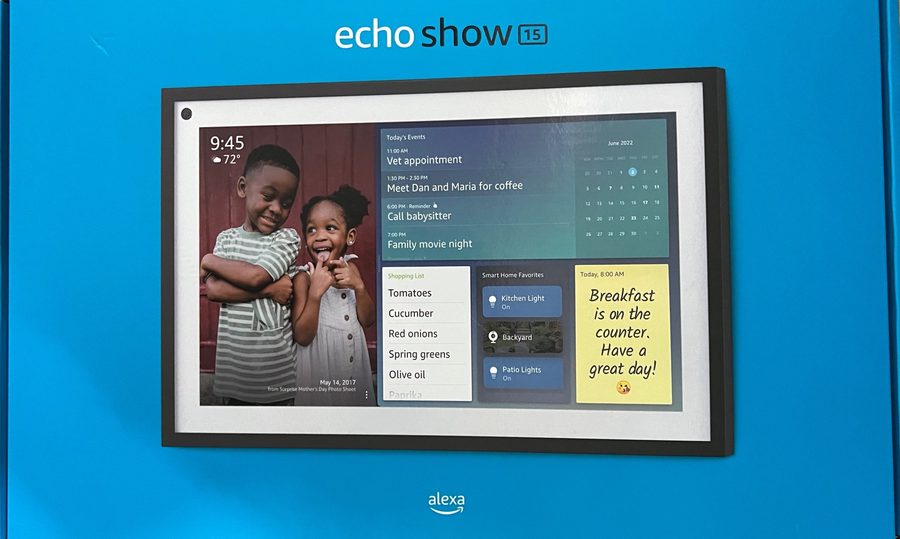
Perhaps you want a porch light on at sunset, a hallway that lights up when you arrive, and a way to see the front door from an Echo Show. Write those jobs down room by room, including who needs to use each control.
Zebra installs and configures lighting, outlets, motion sensors, energy-monitoring devices, Alexa and Echo equipment, Ring devices and SimpliSafe equipment. We can review devices you already own. Exact models and the functions you want still need to be checked together.
Use our installation services overview for the current equipment categories and contact page to check your location with our Terre Haute team.
Seven things to bring to your consultation.
Your rooms and priorities
List the rooms, the lights or appliances you want to control, and your preferred method: wall switch, phone, voice or an automatic routine. Mark the essentials separately from ideas for a later phase. Include an easy manual control for household members and guests.
The exact device models
Bring model numbers for existing switches, bulbs, cameras, speakers and hubs. An ecosystem or brand name alone does not establish compatibility. Ask which requested functions work together, which need a separate app or hub, and which require a paid service.
A Wi-Fi coverage check
Note your router model, where it sits, and rooms where your phone loses coverage. Check the actual proposed device locations, including the porch or garage. Ask the installer to verify each model's network requirements and discuss weak areas before the device order is finalized.
A wiring review for fixed devices
Tell us which lights have more than one wall control and which bulbs you want to dim. Switch type, neutral-wire requirements and the connected load depend on the product. For example, TP-Link's HS200 instructions require a neutral wire and a single-pole circuit. Have the installer or electrician verify wiring and the exact product manual; this checklist is not a wiring procedure. Read TP-Link's HS200 requirements.
An account and privacy plan
Decide who will own the device accounts, receive alerts and manage household access. Use unique passwords, enable two-factor authentication where available, and keep device and router software updated. Do not send passwords with your initial inquiry. The FTC's connected-device checklist explains these precautions.
Your camera and outage questions
For each camera, decide what area it should cover and who should see its video. Ask what is included for live viewing, recordings and storage, and verify any subscription directly with the provider. Also ask what each selected device can do when the internet is unavailable and how ordinary controls work if an app or voice assistant is unavailable.
A written scope and handover list
Ask for equipment, installation labor, configuration, any required wiring work, recurring provider fees and exclusions to be identified separately. Include a walk-through of the routines, manual controls, household access and where to find support. Before accepting the handover, try the agreed functions yourself.
Plan the project around your home.
Can I keep devices I already have?
Bring their model numbers to the conversation. We install customer-owned devices as well as equipment we supply; the first step is checking whether the particular models support your goals.
Do I need to automate every room?
A room-by-room list helps separate priorities from later additions. Ask which items belong in the first installation and which depend on wiring, network improvements or other devices. Our published installation pricing explains the starting price and hourly rates; the written quote defines your project's scope.
What should I have ready when I call?
Your town, three priorities, a room list and any existing device models are enough to start. Tell us about coverage problems or a renovation already in progress. Zebra offers a free phone consultation and an in-home visit and quote.
Keep this list: rooms · desired routines · model numbers · Wi-Fi gaps · wiring questions · account owner · written quote and walk-through.
Bring your list. We will help you work through it.
Call Zebra Smart Home in Terre Haute to discuss your rooms, equipment and installation goals.
812-241-5653